Quick answer: M-Pesa integration lets customers pay on your website by approving a prompt on their phone (called STK Push), and your site is told automatically when the payment succeeds. You need a Paybill or Till number, Safaricom Daraja access, and carefully built payment confirmation handling.
Why M-Pesa Isn't Optional in Kenya
For most Kenyan businesses selling online, M-Pesa isn't one payment option among several. It is the default. A website that makes customers "send money and forward the confirmation message" adds friction at the exact moment someone has decided to buy. That friction is one of the most common, and most fixable, reasons for lost sales on Kenyan business websites.
What "M-Pesa Integration" Actually Means
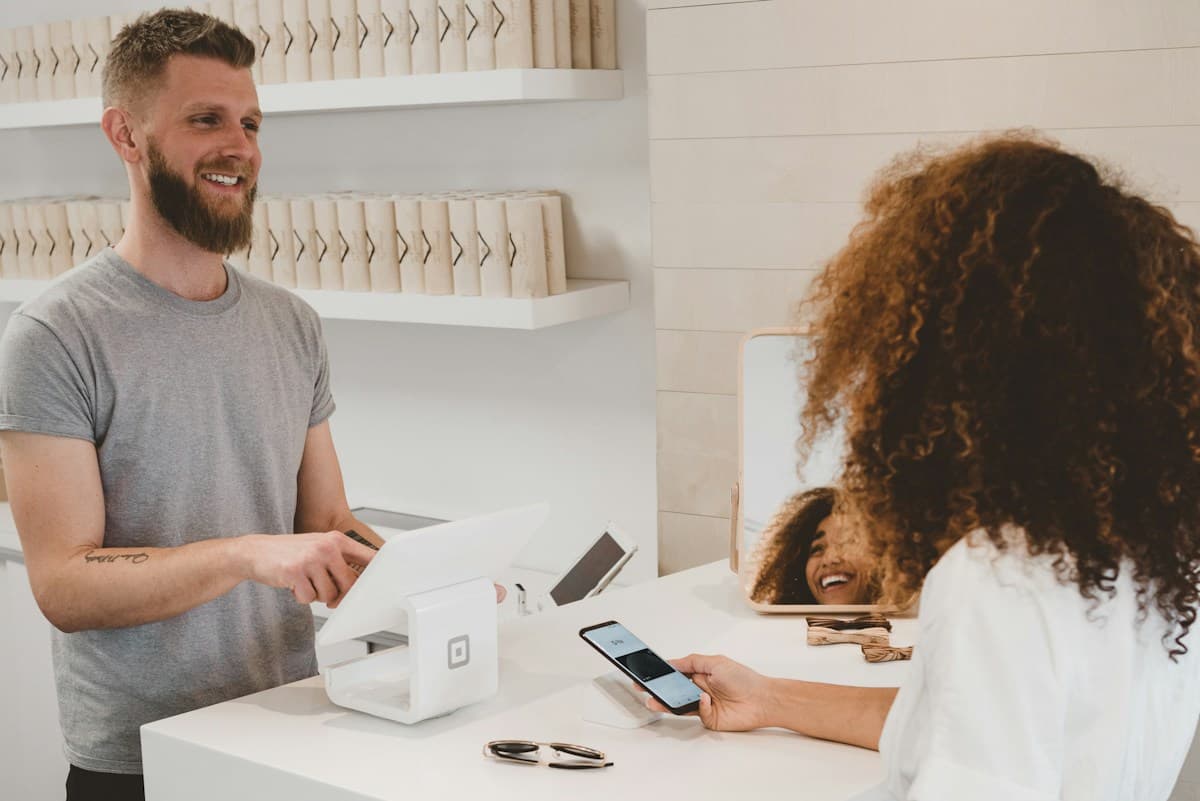
In plain terms, your website talks directly to Safaricom's payment system (through what developers call the Daraja API) so a customer can pay without leaving your site. The most common version is STK Push: the customer enters their phone number at checkout, a prompt appears on their phone asking them to approve the payment, and your website is notified automatically the moment it is confirmed. No manual confirmation messages, no waiting.
What It Takes to Get Live
- A registered Paybill or Till number for your business
- Developer access to Safaricom's Daraja platform, tested first in a safe "sandbox" environment before going live
- A properly configured system that reliably receives and processes Safaricom's payment confirmations
- Completing Safaricom's go-live process before the integration handles real customer payments
Where Most Integrations Break
The technical setup itself usually isn't the hard part. What matters is what happens after a customer pays. If confirmation handling isn't built carefully, you can end up with a customer who was charged but whose order never updates on your side. That is a worse experience than not having M-Pesa at all, which is why this part deserves more care than it usually gets.
Do You Need a Developer for This?
The documentation is public, and a competent developer can build it. In practice, most business owners are better served by a team that has done this integration before, knows where it usually goes wrong, and can test it properly before real customer money is involved.
Get M-Pesa Working on Your Site
M-Pesa integration is included in our custom web application packages, and we can add it to a website as an add-on where you need online payments. Talk to us about adding it to yours.